
Batch CSV import
Download the delivery template or upload a compatible CSV. Check the supported fields before importing and review your records afterward.
Delivery records, pay comparisons, and documentation tools built around the business of gig driving.
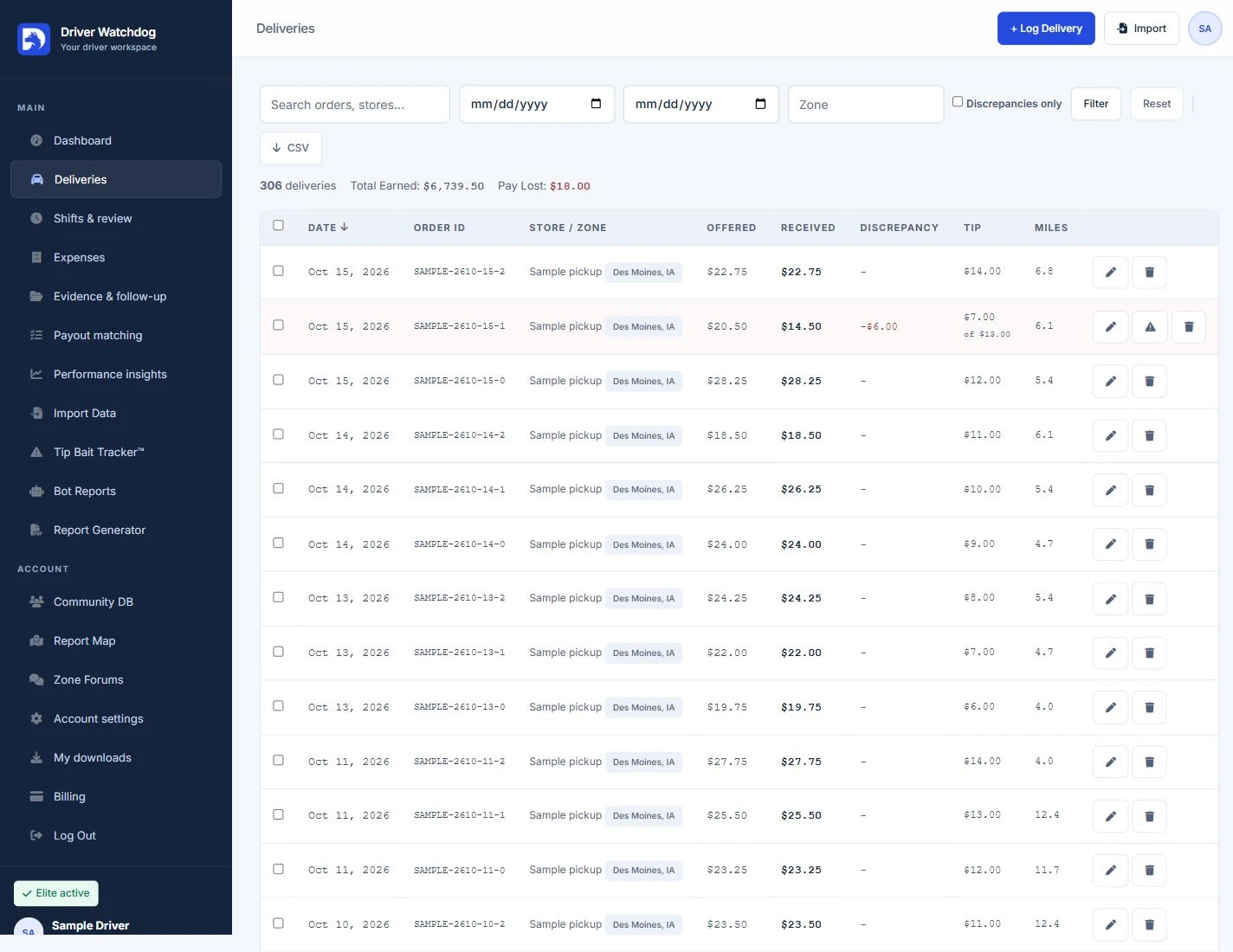
Record each delivery’s date, store, zone, mileage, and pay breakdown. Compare offered and received base pay, tips, incentives, and referrals without juggling separate notes.
Use the tools that fit your routine. Availability depends on your subscription plan.
Download the delivery template or upload a compatible CSV. Check the supported fields before importing and review your records afterward.
Export available delivery data to CSV for your own records and further analysis.
Attach screenshots or PDFs and add notes while the details are fresh. Review files before sharing a report.
See totals and recorded differences in your dashboard, with recent deliveries and shortcuts to your next task.
Prepare PDF reports from documented pay discrepancies, tip incidents, and suspected bot activity. Review the information, keep a copy, and use the appropriate official support channel to follow up.
Driver Watchdog organizes information you provide. It does not independently detect bots, establish misconduct, or guarantee a payment recovery.
Compare reporting plans ↗Private supporting files and public report summaries are separate. Check what a report contains before you share it.
Follow zone forums, review community summaries, and explore reports on the map. Keep conversations factual and avoid including customer names, addresses, or other personal information.
Understand how sharing works ↗Choose your City, ST zones in account settings to organize your local experience.
Discuss work and documented patterns with other drivers, subject to your plan and community rules.
Explore available public summaries by zone without exposing private evidence files.
Start and finish shifts with manual odometer readings, record expenses, and compare recorded results with Elite performance insights. Web tools use the information you enter; GPS capture is not included.
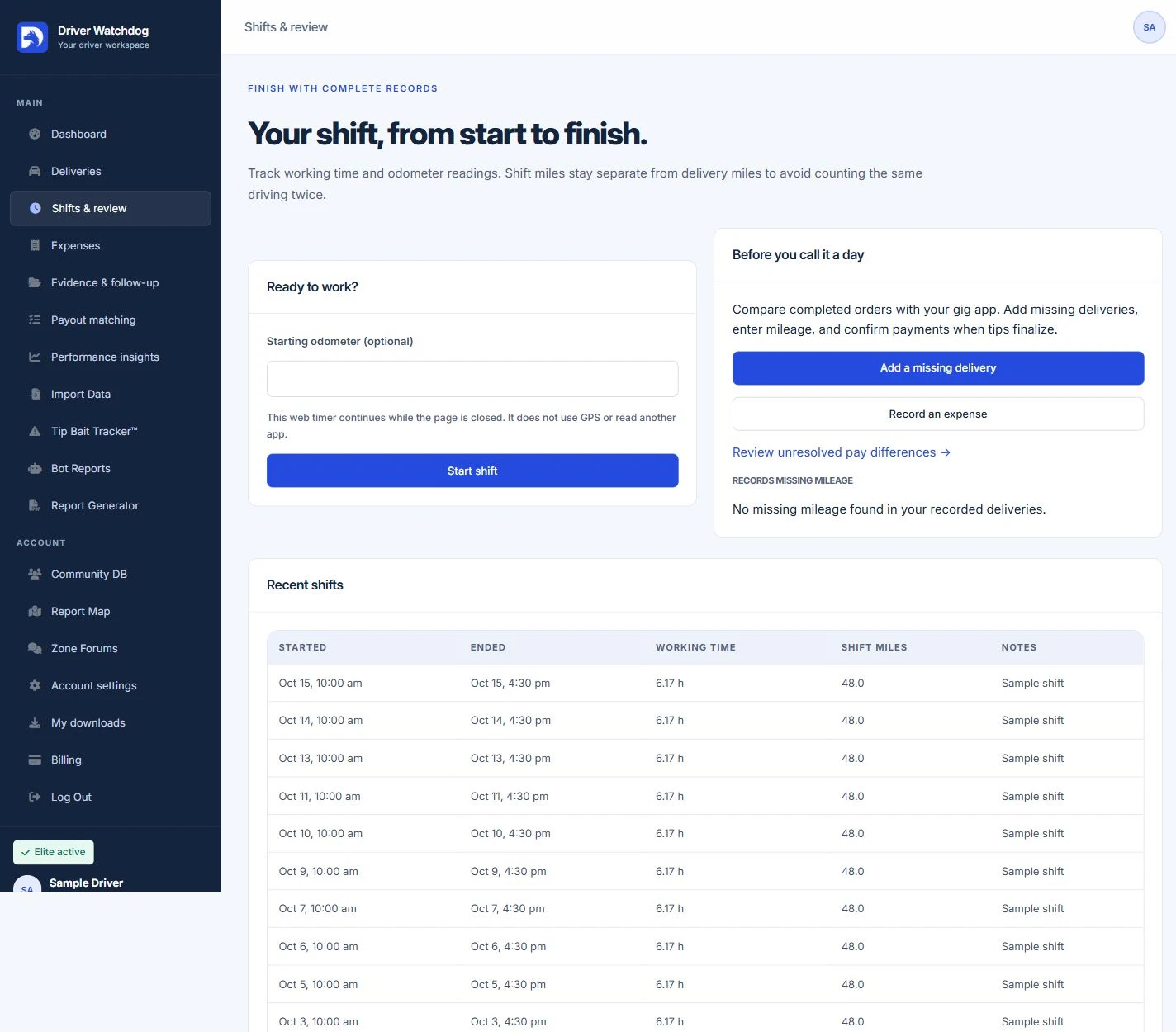
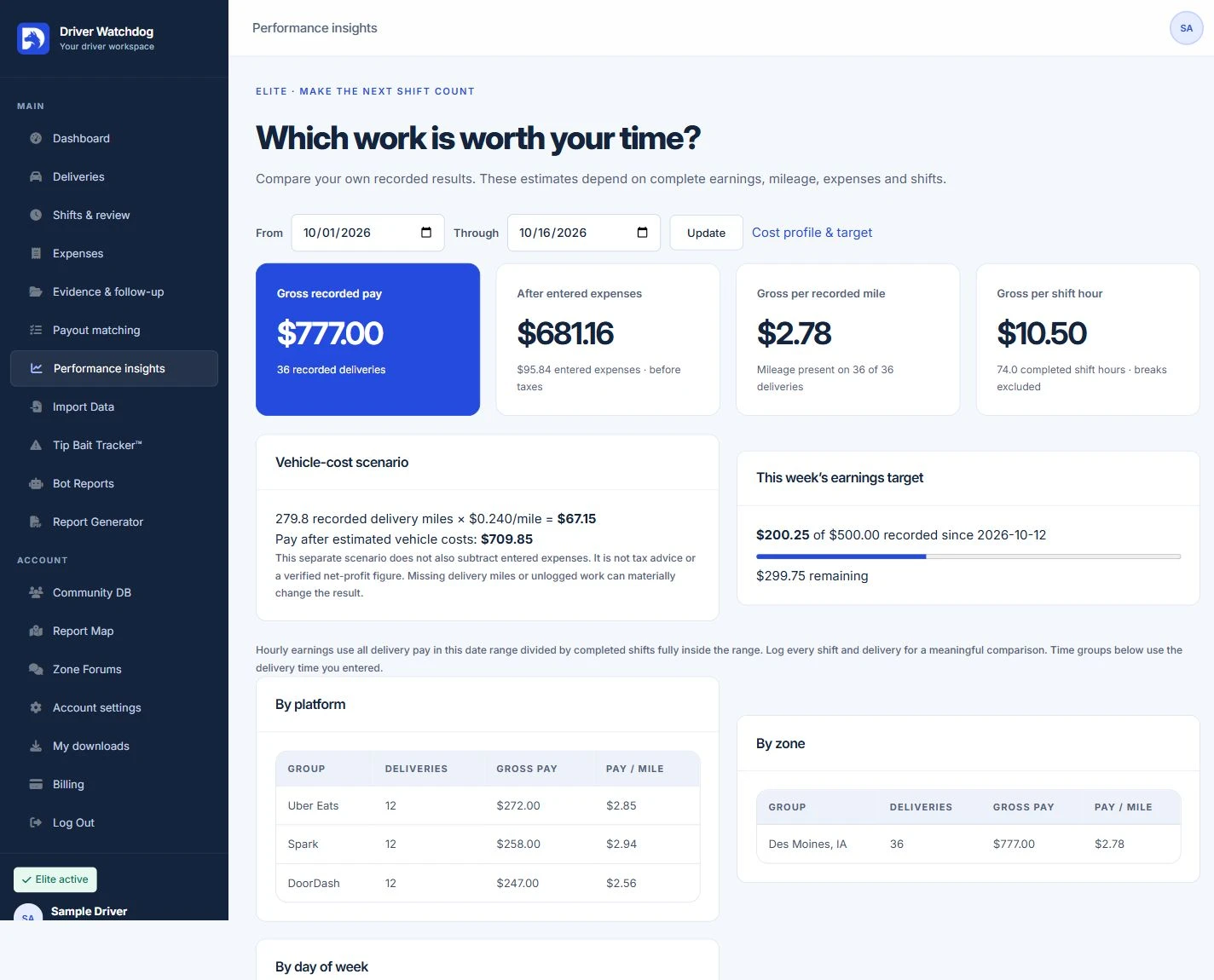
Manual mileage, shifts, expenses, and performance tools are available on the web. iOS and Android apps are on the roadmap; release dates will follow testing.